Step 4: Set up your data
Who is needed: The Business Central administrator, with whoever owns the data.
Each setting below takes a minute to change. What to weigh before you choose is in Documentation for administrators.
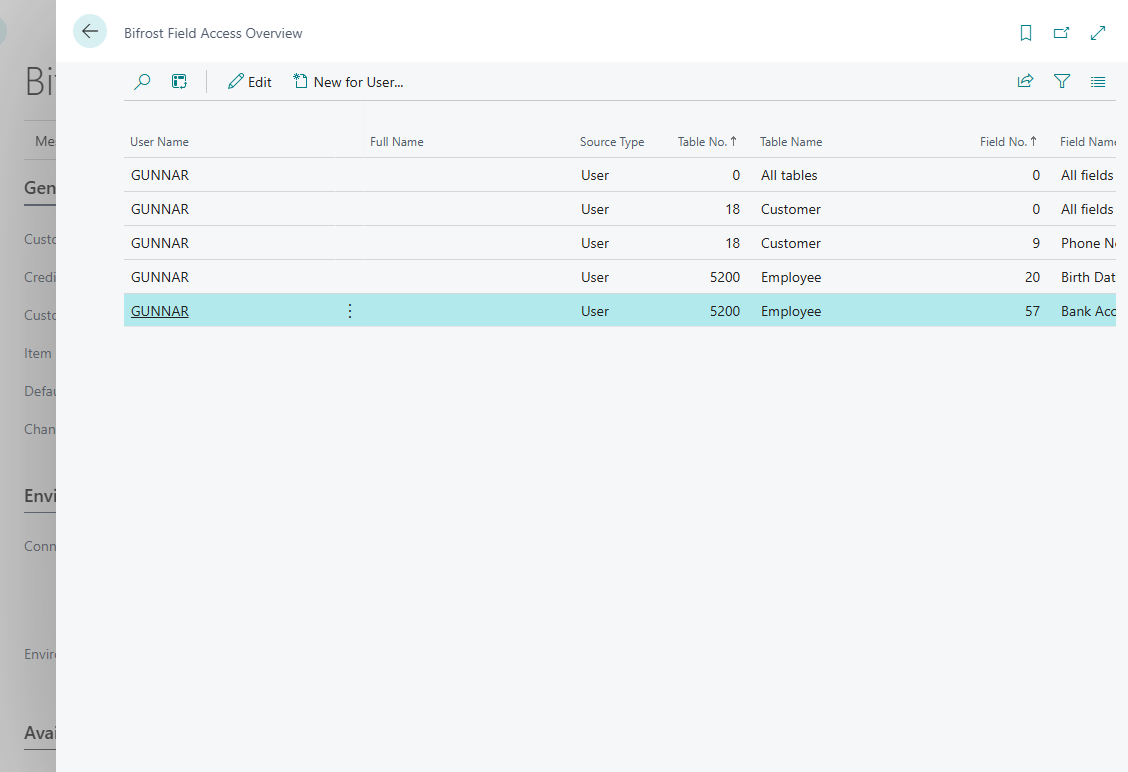
Restrict fields agents should not get
On Bifrost Setup, choose Setup › Field Access, then New for User... to add rows for a user or Entra application. Which kind of row to choose, and what each does: Field Access.
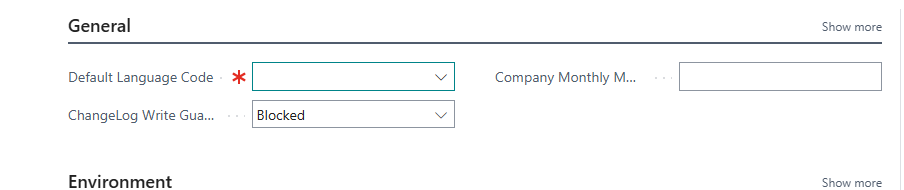
Go through the setup page
Every field on Bifrost Setup is described in Bifrost Setup. Decide ChangeLog Write Guard deliberately, together with the change log (Setup › Change Log Setup): see The ChangeLog Write Guard.
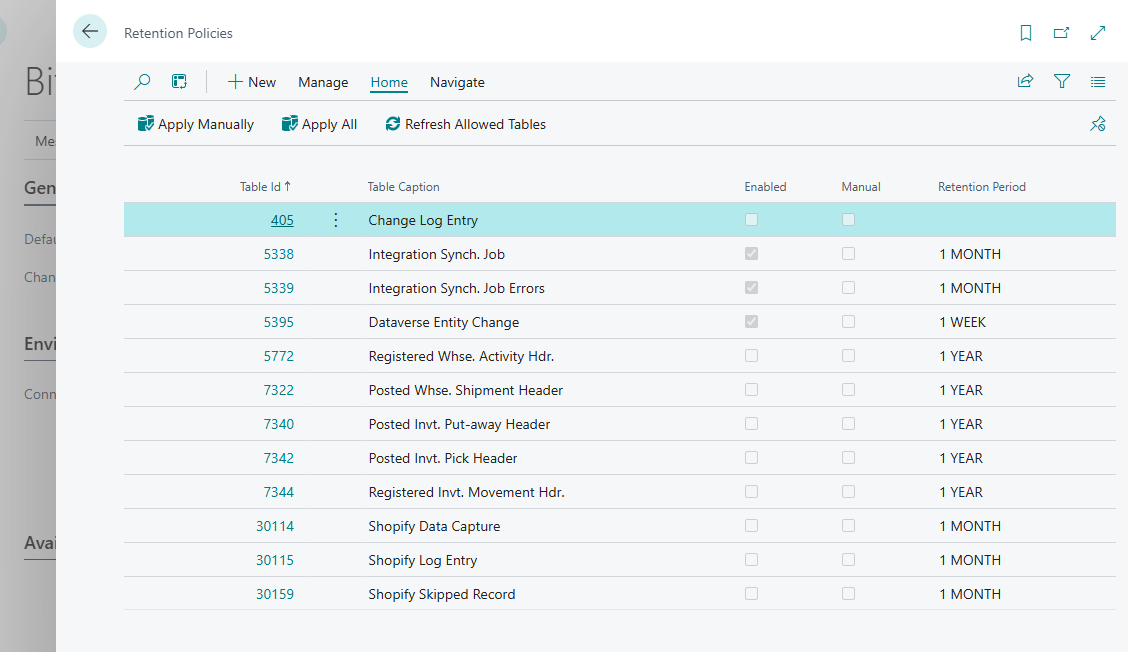
Set how long logs are kept
On Bifrost Setup, open Setup › Retention Policies and set a period for the Bifröst logs, starting with Bifrost Messages. Before you choose: Logs and retention.